
Quick Navigation
- 1 How to Download Your Govt Exam Admit Card Without Hassle
- 2 Understanding the Importance of Your Govt Exam Admit Card
- 3 Pre-Download Checklist: What You Need Before Downloading
- 4 Step-by-Step Guide to Downloading Your Admit Card
- 4.1 General Steps for All Govt Exam Admit Cards
- 4.2 Step 1: Visit the Official Website
- 4.3 Step 2: Locate the Admit Card Download Link
- 4.4 Step 3: Enter Login Credentials
- 4.5 Step 4: Download & Verify the Admit Card
- 4.6 Step 5: Troubleshooting Common Errors
- 4.7 Exam-Specific Admit Card Download Examples
- 4.8 UPSC Civil Services (IAS) Admit Card
- 4.9 SSC CGL Admit Card
- 4.10 IBPS PO Admit Card
- 4.11 What to Do If the Website Crashes?
- 5 Post-Download Checklist: Ensuring Your Admit Card is Exam-Ready
- 6 Last-Minute Tips & Troubleshooting Common Issues
How to Download Your Govt Exam Admit Card Without Hassle
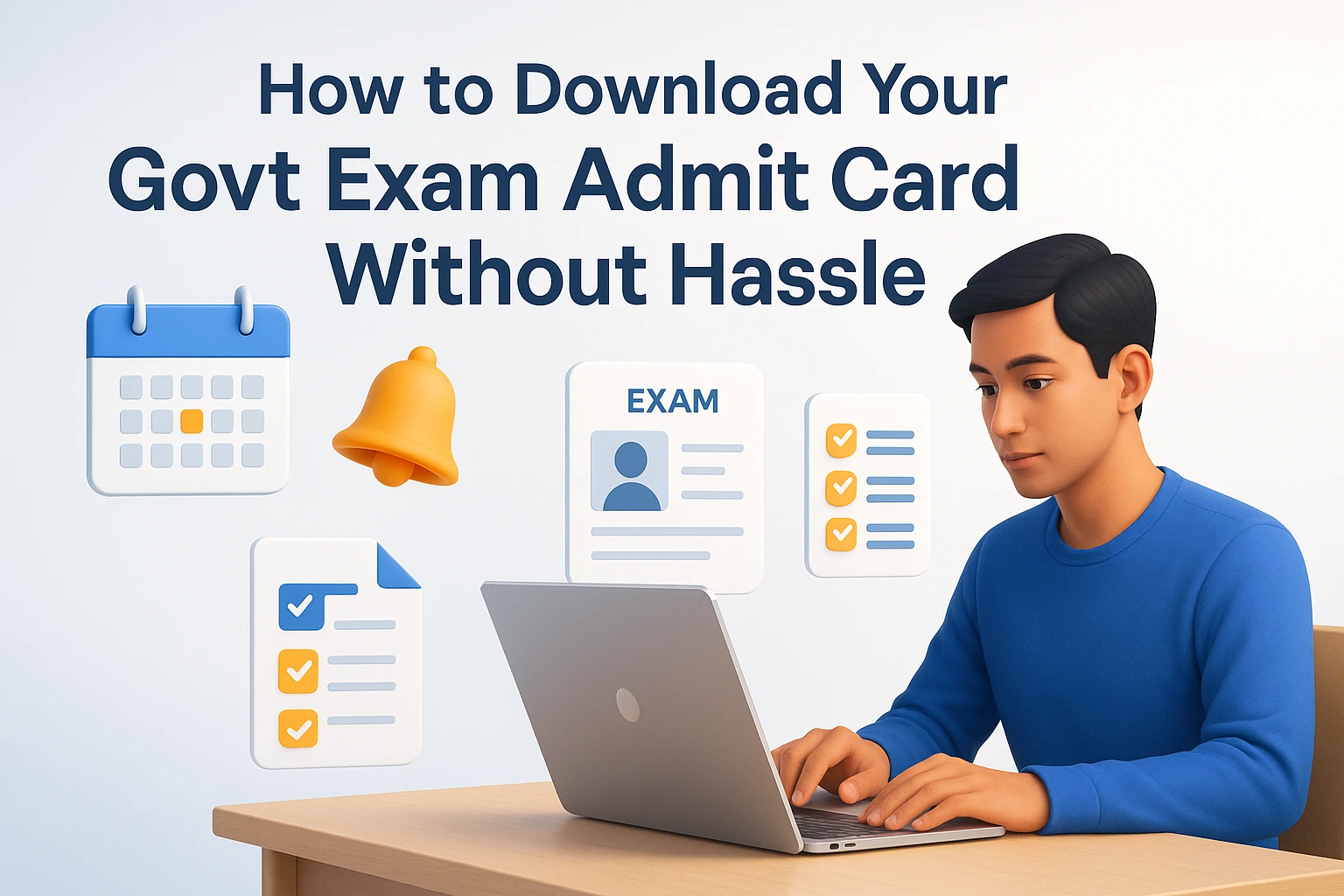
Government exams are a gateway to stable careers in public services, banking, railways, defense, and more. However, one of the most critical steps before appearing for any exam is downloading the admit card—your official entry pass. A missing or incorrect admit card can lead to disqualification, last-minute stress, or even missing the exam entirely.
Many candidates face issues like website crashes, forgotten login details, or unclear instructions when trying to download their admit cards. This guide will walk you through a hassle-free process to ensure you get your admit card on time, every time.
Understanding the Importance of Your Govt Exam Admit Card
Before diving into the download process, it’s crucial to understand why the admit card is non-negotiable and what details it contains.
Why Is the Admit Card Mandatory?
The admit card is more than just a piece of paper—it’s your official authorization to appear for the exam. Here’s why it’s indispensable:
- Identity Verification: Exam centers use the admit card to verify your identity against government-issued IDs (Aadhar, PAN, Passport, etc.).
- Exam Details: It contains your roll number, exam date, time, venue, and reporting time—missing any of these can lead to disqualification.
- Instructions & Guidelines: Many admit cards include exam day rules (e.g., prohibited items, dress code, COVID-19 protocols).
- Entry Pass: Without it, you won’t be allowed to enter the exam hall, regardless of your preparation.
Example: In the SSC CGL 2023 exam, over 5,000 candidates were turned away due to missing or incorrect admit cards.
What Information Does the Admit Card Contain?
A standard government exam admit card includes:
| Detail | Why It Matters |
| Candidate’s Name | Must match your ID proof. |
| Roll Number | Used for seating and result checking. |
| Exam Date & Time | Helps in planning travel and preparation. |
| Exam Center Address | Avoids last-minute confusion about location. |
| Reporting Time | Late arrivals may not be allowed. |
| Photograph & Signature | Verifies identity at the center. |
| Exam Instructions | Includes rules on calculators, electronic devices, etc. |
Pro Tip: Always cross-check your admit card details with your application form to spot errors early.
Common Mistakes That Invalidate Your Admit Card
Even if you download the admit card, small mistakes can make it invalid. Avoid these errors:
- Blurry or Unclear Photograph – If the photo is not visible, carry an extra passport-sized photo.
- Mismatched Details – Name, date of birth, or category errors must be corrected before the exam.
- Missing Barcode/QR Code – Some exams require scanning the admit card at entry.
- Expired Validity – Some admit cards are only valid for a specific period (e.g., IBPS PO admit cards expire after the exam date).
- No Official Stamp/Signature – Some admit cards require a physical stamp from the exam authority.
Action Step: If you spot an error, immediately contact the exam authority via email or helpline.
Pre-Download Checklist: What You Need Before Downloading
Many candidates rush to download their admit card without preparing the necessary details, leading to login failures or incorrect downloads. Follow this checklist to avoid last-minute panic.
Essential Documents & Details Required
Before downloading, ensure you have:
✅ Registration Number/Roll Number – Generated during the application process.
✅ Password/Date of Birth – Used for login (some portals use DOB as a password).
✅ Registered Mobile Number/Email – For OTP verification (if required).
✅ Government ID Proof – Aadhar, PAN, Voter ID, or Passport (for cross-verification).
✅ Application Form Copy – Helps in case of forgotten credentials.
Example: For UPSC Civil Services Prelims, candidates often forget their registration ID and waste time recovering it.
How to Retrieve Forgotten Login Credentials
If you’ve forgotten your registration number or password, follow these steps:
Check Your Email/SMS
- Most exam authorities send login details to your registered email/SMS.
- Search for keywords like “Registration ID,” “Roll Number,” or “Login Credentials” in your inbox.
Use the “Forgot Password” Option
- Visit the official admit card download page.
- Click on “Forgot Password?” or “Forgot Registration ID?”
- Enter your registered email/mobile number and follow the OTP verification.
- Reset your password and note it down securely.
Example: The RRB NTPC admit card portal has a “Forgot Registration Number” option that sends details via SMS.
Contact the Exam Helpline
If online recovery fails:
- Call the official helpline number (usually listed on the exam website).
- Email the support team with your name, father’s name, date of birth, and application details.
- Provide a scanned copy of your ID proof for verification.
Pro Tip: Save your registration details in a password manager (like LastPass or Google Password Manager) to avoid future issues.
Browser & Device Requirements for Smooth Download
Government exam websites often crash due to high traffic. To avoid issues:
✔ Use a Desktop/Laptop – Mobile downloads may fail due to compatibility issues.
✔ Preferred Browsers:
– Google Chrome (latest version)
– Mozilla Firefox
– Microsoft Edge (for some portals like IBPS)
✔ Disable Ad-Blockers – Some websites block downloads if ad-blockers are enabled.
✔ Clear Cache & Cookies – Old data can cause login errors.
✔ Stable Internet Connection – Avoid public Wi-Fi; use a 4G/5G hotspot if needed.
Example: The SSC CGL admit card portal often crashes on Internet Explorer—always use Chrome or Firefox.
Step-by-Step Guide to Downloading Your Admit Card
Now that you’re prepared, let’s go through the exact steps to download your admit card without errors. We’ll cover general steps and specific examples for major exams.
General Steps for All Govt Exam Admit Cards
Follow these universal steps for any government exam:
Step 1: Visit the Official Website
- Never download from third-party sites (risk of fake admit cards).
- Official URLs usually end with:
– .gov.in (e.g., upsc.gov.in)
– .nic.in (e.g., ssc.nic.in)
– .org (e.g., ibps.in)
Example: For RBI Grade B, the official site is rbi.org.in.
Step 2: Locate the Admit Card Download Link
– Look for sections like:
– “Candidate’s Corner”
– “Admit Card/Hall Ticket”
– “Download Call Letter” (for banking exams)
– Some websites have a direct link on the homepage during the admit card release period.
Example: On upsc.gov.in, the admit card link appears under “What’s New” when released.
Step 3: Enter Login Credentials
– Fill in:
– Registration Number/Roll Number
– Password/Date of Birth
– Captcha Code (if required)
– Click “Submit” or “Login”.
Pro Tip: If the captcha isn’t loading, refresh the page or try a different browser.
Step 4: Download & Verify the Admit Card
- Once logged in, click “Download Admit Card” (PDF format).
- Save it immediately (some portals auto-download).
- Check all details (name, exam center, photo, etc.).
- Print 2-3 copies (in case one is lost).
Example: The IBPS PO admit card is usually a 2-3 page PDF—print all pages.
Step 5: Troubleshooting Common Errors
| Error | Solution |
|||
| “Invalid Credentials” | Double-check registration number & password. |
| “Session Expired” | Refresh the page and log in again. |
| “Admit Card Not Available” | Check if the release date has passed. |
| “Server Error” | Try after 10-15 minutes or use a different device. |
| “PDF Not Downloading” | Right-click the link and select “Save As”. |
Exam-Specific Admit Card Download Examples
Here’s how to download admit cards for popular government exams:
UPSC Civil Services (IAS) Admit Card
- Website: [upsc.gov.in](https://upsc.gov.in)
- Steps:
1. Click “Admit Cards” under “Examination” tab.
2. Select “Civil Services (Preliminary) Examination”.
3. Enter Registration ID/Roll Number and Date of Birth.
4. Download and print.
Note: UPSC releases admit cards 3 weeks before the exam.
SSC CGL Admit Card
- Website: [ssc.nic.in](https://ssc.nic.in)
- Steps:
1. Go to “Admit Card” tab.
2. Select your region (e.g., SSC North, SSC West).
3. Enter Registration Number & Password.
4. Download and verify.
Note: SSC releases admit cards 10-15 days before the exam.
IBPS PO Admit Card
- Website: [ibps.in](https://ibps.in)
- Steps:
1. Click “CRP PO/MT” under “Common Recruitment Process”.
2. Select “Download Call Letter”.
3. Enter Registration Number & Password.
4. Download and print.
Note: IBPS releases prelims, mains, and interview call letters separately.
What to Do If the Website Crashes?
If the official website is down due to high traffic, try these alternatives:
- Check for Mirror Links – Some exams provide alternate download links (e.g., SSC regional websites).
- Use a VPN – Sometimes, websites are region-restricted; a VPN can help.
- Try During Off-Peak Hours – Download early morning (5-7 AM) or late night (10 PM-12 AM).
- Contact Helpline – If the site is down for more than 24 hours, call the helpline.
- Follow Official Social Media – Exam authorities often post updates on Twitter/Facebook.
Example: During RRB NTPC 2022, the website crashed, but candidates could download admit cards via regional RRB websites.
Post-Download Checklist: Ensuring Your Admit Card is Exam-Ready
Downloading the admit card is just the first step. You must verify, print, and prepare it for exam day. Follow this checklist to avoid last-minute issues.
Verifying Admit Card Details for Accuracy
After downloading, cross-check every detail with your application form and ID proof:
| Detail to Check | What to Do If Wrong |
|||
| Name | Must match ID proof (no spelling errors). |
| Date of Birth | Should match your ID. |
| Exam Center | Verify address on Google Maps. |
| Exam Date & Time | Note down reporting time (usually 1-2 hours before exam). |
| Photograph & Signature | Should be clear and recognizable. |
| Category (General/OBC/SC/ST) | Must match your application. |
Action Step: If any detail is incorrect, email the exam authority immediately with proof (ID, application form).
Printing & Storing Your Admit Card Properly
A poorly printed admit card can cause issues at the exam center. Follow these tips:
✔ Use a Laser Printer – Inkjet prints may smudge.
✔ Print in Color – Some exams require color printouts (e.g., RBI Grade B).
✔ Print on A4 Size Paper – Avoid crumpled or folded admit cards.
✔ Keep 2-3 Extra Copies – In case one is lost or damaged.
✔ Store in a Plastic Folder – Protects from rain or spills.
Pro Tip: Some exams (like IBPS) require you to paste a passport-sized photo on the admit card—carry an extra photo just in case.
What to Carry Along with the Admit Card
Most government exams require additional documents along with the admit card. Here’s a checklist:
| Item | Why It’s Needed |
|||
| Original Photo ID (Aadhar, PAN, Passport, Voter ID) | For identity verification. |
| Passport-Sized Photographs (2-3) | Some exams require pasting on admit card. |
| PwD Certificate (if applicable) | For scribe/extra time benefits. |
| COVID-19 Self-Declaration Form (if required) | Some exams still need this. |
| Blue/Black Ballpoint Pen | For filling OMR sheets. |
Example: For SSC CHSL, candidates must carry two passport-sized photos (one for admit card, one for attendance sheet).
Last-Minute Tips & Troubleshooting Common Issues
Even after downloading, candidates face unexpected issues on exam day. Here’s how to handle them like a pro.
What to Do If You Lose Your Admit Card Before the Exam
Losing your admit card a day before the exam is a nightmare, but don’t panic. Here’s what to do:
- Check Your Email/Downloads Folder – You might have saved it earlier.
- Re-Download from the Official Website – If the link is still active.
- Contact the Exam Authority – Explain the situation and request a duplicate admit card.
- Carry ID Proof & Application Form – Some centers allow entry with ID + application form as a last resort.
Example: In RBI Assistant 2023, candidates who lost their admit card were allowed entry after verifying their ID and application form.
Handling Discrepancies on Exam Day
If you reach the exam center and find errors in your admit card, follow these steps:
- Inform the Invigilator Immediately – They may allow you to sit for the exam with a discrepancy form.
- Carry Supporting Documents – If your name is misspelled, carry ID proof to verify.
- Request a Correction Form – Some exams provide on-spot correction forms.
- Avoid Arguing – Stay calm and follow instructions.
Pro Tip: If the exam center is wrong, contact the helpline immediately—some authorities allow last-minute center changes.
Backup Plan: What If You Can’t Download the Admit Card?
If you can’t download the admit card despite multiple attempts:
- Check for Technical Issues – Try a different browser/device.
- Visit the Nearest Exam Center – Some centers provide on-spot admit card printing.
- Carry ID Proof & Application Form – Some exams allow entry with these.
- File an RTI (Right to Information) – If the admit card is unfairly withheld, you can file an RTI after the exam.
Example: In SBI PO 2022, candidates who couldn’t download admit cards were allowed entry after verifying their ID and application form.




2 thoughts on “How to Download Your Govt Exam Admit Card Without Hassle”