
Quick Navigation
- 1 Introduction: Don’t Let a Small Mistake Ruin Your Big Day
- 2 When to Download Your Entrance Exam Admit Card
- 3 Step-by-Step Guide to Download Your Entrance Exam Admit Card
- 4 Common Problems While Downloading the Admit Card
- 5 Smart Tips for Download Your Entrance Exam Admit Card
- 6 Real-Life Example: A Small Mistake, Big Stress
- 7 What to Check After Downloading the Admit Card
- 8 Documents to Carry Along with the Admit Card
- 9 Digital Backup: A Smart Move
- 10 Mistakes to Avoid
- 11 Expert Opinion: Why Preparation Matters
- 12 FAQs About Downloading Your Entrance Exam Admit Card
- 13 Conclusion: Stay Smart, Stay Prepared
Introduction: Don’t Let a Small Mistake Ruin Your Big Day
You’ve studied for months. You’ve revised everything. You’re ready for the exam. But suddenly, you realize you forgot to download your admit card.
This is a common and stressful mistake many students make.
Learning how to properly download your entrance exam admit card can save you from unnecessary panic. It’s a simple process, but one small error can create big problems.
Let’s walk through a clear, step-by-step guide to help you download your admit card without any hassle.
Why the Admit Card is So Important
Your admit card is your entry pass to the exam hall.
Without it, you cannot.
- Enter the exam center
- Verify your identity
- Appear for the exam
Key information on the admit card:
- Candidate name
- Roll number
- Exam date and time
- Exam center address
Therefore, downloading it correctly is critical.
When to Download Your Entrance Exam Admit Card
Timing matters.
Best Time to Download:
- As soon as it is released
- At least 2–3 days before the exam
Why Early Download Helps:
- Avoid website crashes
- Get time to fix errors
- Stay stress-free
Step-by-Step Guide to Download Your Entrance Exam Admit Card
Follow these simple steps carefully.
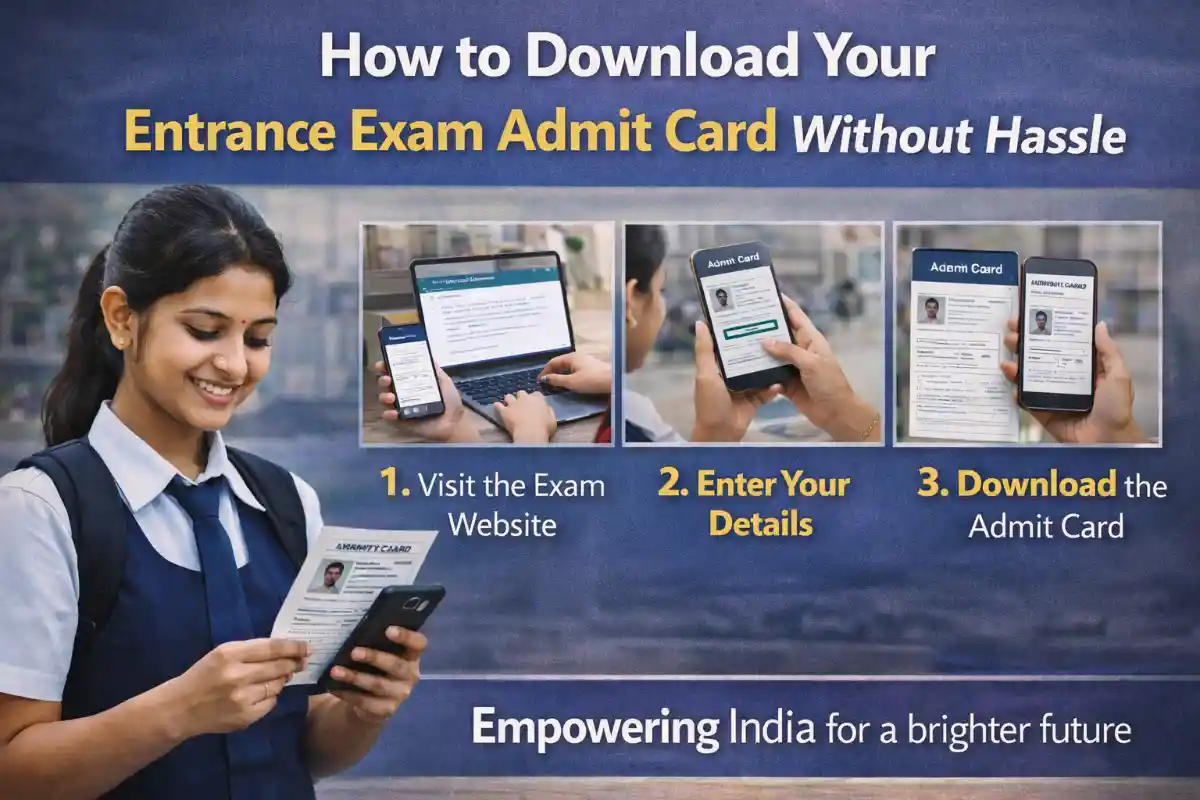
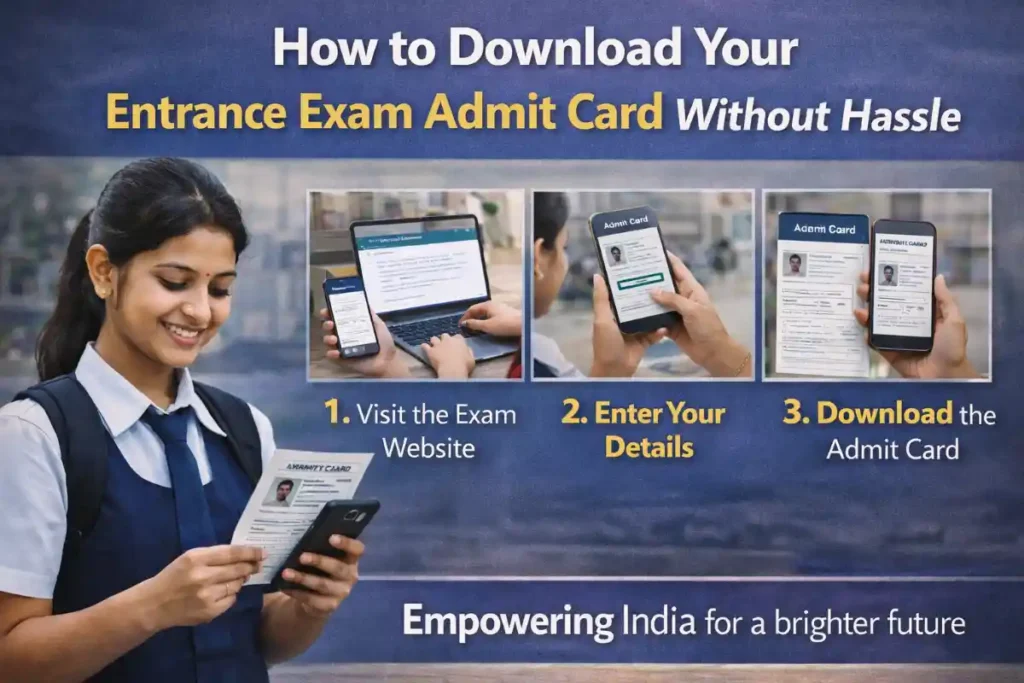
Step 1: Visit the Official Website
- Go to the official exam website
- Avoid third-party links
Tip:
Always double-check the URL to avoid scams.
Step 2: Find Admit Card Link
- Look for the “Admit Card” or “Hall Ticket” section
- Usually available on the homepage
Step 3: Enter Login Details
You may need:
- Registration number
- Date of birth
- Password
Important:
Enter details correctly to avoid login errors.
Step 4: Download the Admit Card
- Click on the download button
- Save PDF file
Tip:
Rename the file properly for easy access.
Step 5: Take a printout
- Print at least 2–3 copies
- Use good-quality paper
Common Problems While Downloading the Admit Card
Many students face issues.
1. Website Not Loading
- Happens due to heavy traffic
- Try during non-peak hours
2. Incorrect Login Details
- Double-check your credentials
- Use the “Forgot Password” option
3. Admit Card Not Showing
- Check if released
- Contact the exam authority
4. Printing Issues
- Use a cyber café if needed
- Ensure clear print
Smart Tips for Download Your Entrance Exam Admit Card
Follow These Tips:
- Use a stable internet connection
- Download on laptop or desktop
- Keep login details ready
- Save multiple copies
These small steps make the process smooth.
Real-Life Example: A Small Mistake, Big Stress
Aman waited until the last night to download his admit card. The website crashed due to heavy traffic.
He had to rush to a cyber café early in the morning.
Lesson:
Never delay important tasks.
What to Check After Downloading the Admit Card
It’s important to verify the details after downloading.
Verify These Details:
- Name spelling
- Photo clarity
- Exam center
- Date and time
If Error Found:
- Contact the exam authority immediately
Documents to Carry Along with the Admit Card
Mandatory Items:
- Admit card
- ID proof (Aadhaar, PAN, etc.)
- Passport-size photo
Optional Items:
- Pen/pencil
- Water bottle
Digital Backup: A Smart Move
Always keep a backup.
Backup Options:
- Save on phone
- Upload to Google Drive
- Email yourself.
This helps in emergencies.
Mistakes to Avoid
Avoid These Errors:
- Waiting till the last moment
- Using the wrong website
- Ignoring details on the admit card
- Carrying damaged print
Expert Opinion: Why Preparation Matters
Experts say that exam success is not just about studying—it’s also about planning.
Downloading your admit card on time is part of that preparation.
FAQs About Downloading Your Entrance Exam Admit Card
1. When should I download my admit card?
As soon as it is released.
2. Can I show the admit card on my mobile?
Usually, no printed copy is required.
3. What if I forget my login details?
Use the “Forgot Password” option.
4. How many copies should I print?
At least 2–3 copies.
5. What if my admit card has an error?
Please reach out to the exam authority at your earliest
Conclusion: Stay Smart, Stay Prepared
Learning how to download your entrance exam ticket is a small but important step in your exam journey.
Don’t let a simple mistake create unnecessary stress.
Download early, check details, and keep backups.
Because success is not just about hard work—it’s about being prepared in every way.












4 thoughts on “Download Your Entrance Exam Admit Card Easily: No Hassle Guide”