
Quick Navigation
- 1 Common Mistakes to Avoid While Downloading Govt Exam Admit Cards
- 2 Common Mistakes to Avoid While Downloading Govt Exam Admit Cards: Ignoring Official Website Notifications
- 3 Common Mistakes to Avoid While Downloading Govt Exam Admit Cards: Entering Incorrect Login Credentials
- 4 Common Mistakes to Avoid While Downloading Govt Exam Admit Cards: Downloading the Admit Card at the Last Minute
- 5 Common Mistakes to Avoid While Downloading Govt Exam Admit Cards: Not Verifying Admit Card Details Thoroughly
- 6 Common Mistakes to Avoid While Downloading Govt Exam Admit Cards: Failing to Follow Post-Download Instructions
- 7 Final Thoughts
Common Mistakes to Avoid While Downloading Govt Exam Admit Cards
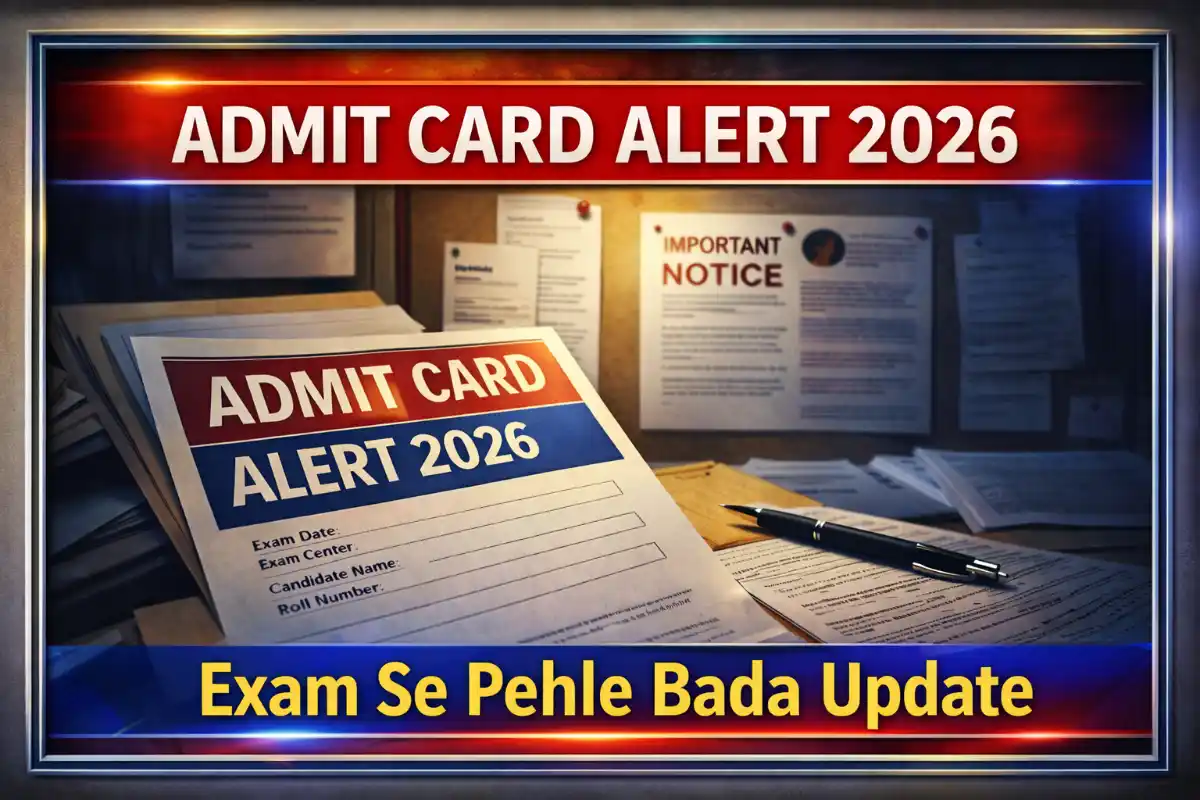
Downloading a government exam admit card is a critical step in your preparation journey. A small mistake here can lead to unnecessary stress, missed deadlines, or even disqualification from the exam. Many candidates make avoidable errors that could have been prevented with proper guidance.
In that detailed guide, we’ll explore the five most common mistakes candidates make while downloading their admit cards and provide actionable solutions to avoid them. Whether you’re appearing for UPSC, SSC, IBPS, RRB, or state-level exams, these tips will help you download your admit card smoothly and securely.
Common Mistakes to Avoid While Downloading Govt Exam Admit Cards: Ignoring Official Website Notifications
One of the biggest blunders candidates make is not staying up to date with official announcements. Many assume that admit cards will be released on a fixed date or rely on third-party sources for updates. that often leads to last-minute panic or missing the download window entirely.
Not Checking the Official Website Regularly
Government exam conducting bodies (such as UPSC, SSC, IBPS, or state PSCs) release admit cards only on their official websites. Many candidates wait for email/SMS alerts or depend on coaching institutes for updates, which can be unreliable.
Solution:
- Bookmark the official website (e.g., [upsc.gov.in](https://upsc.gov.in), [ssc.nic.in](https://ssc.nic.in)) and check it daily during the admit card release period.
- Enable browser notifications for the official site (if available).
- Follow verified social media handles of the exam authority (e.g., UPSC’s Twitter handle).
Example:
In 2023, the SSC CGL admit card was released in phases, and many candidates missed the regional download link because they only checked the main SSC website.
Common Mistakes to Avoid While Downloading Govt Exam Admit Cards: Relying on Third-Party Websites for Downloads
Some candidates search for admit cards on Google or random websites, which can lead to:
- Fake admit cards (scammers create phishing sites to steal personal data).
- Malware downloads (some sites may infect your device with viruses).
- Incorrect information (third-party sites may not update admit card details in real time).
Solution:
- Only download from the official website (look for “.gov.in” or “.nic.in” in the URL).
- Verify the website’s SSL certificate (check for “https://” and a padlock icon in the address bar).
- Avoid clicking on suspicious ads (some pop-ups claim to offer “fast admit card downloads”).
Example:
In 2022, several candidates downloaded fake IBPS RRB admit cards from unofficial sites, leading to disqualification when their details didn’t match the official records.
Missing Important Notices Due to Overlooking Fine Print
Many exam authorities release additional instructions along with the admit card, such as:
- Changes in examcentress (due to unforeseen circumstances).
- New documents required (e.g., proof of COVID-19 vaccination, additional ID).
- Last-minute updates (e.g., postponement of exam dates).
Solution:
- Read all notifications carefully before and after downloading the admit card.
- Take a screenshot of important updates for future reference.
- Join official Telegram/WhatsApp groups (many exam authorities share updates there).
Example:
In 2021, the RBI Grade B exam required candidates to carry an additional undertaking form, which many missed because they didn’t read the fine print.
Common Mistakes to Avoid While Downloading Govt Exam Admit Cards: Entering Incorrect Login Credentials
A common yet frustrating mistake is entering the wrong login details, leading to repeated failed attempts. Some candidates forget their registration number, password, or even the exam they applied for!
Forgetting Registration Number or Password
Most government exams require a registration number and a password to download the admit card. Many candidates:
- They misplaced their registration slip (which has the number printed on it).
- Forget the password (especially if they applied months ago).
- Enter incorrect details (typos in name, date of birth, etc.).
Solution:
- Save your registration details in a secure place (email, Google Drive, or a physical copy).
- Use the “Forgot Password” option (most websites allow password recovery via email/SMS).
- Double-check the details before submitting (e.g., name, date of birth, application number).
Example:
During the UPSC Civil Services Prelims 2023, thousands of candidates couldn’t download their admit cards because they entered the wrong date of birth (DD/MM vs MM/DD).
Using Incorrect Exam Details for Common Mistakes to Avoid While Downloading Govt Exam Admit Cards
Some candidates apply for multiple exams (e.g., SSC CGL and SSC CHSL) and get confused about which admit card they’re downloading. that can lead to:
- Downloading the wrong admit card (for a different exam).
- Missing the correct exam date (if the admit card is for a different session).
- Wasting time on irrelevant instructions.
Solution:
- Label your admit cards clearly (e.g., “SSC CGL 2024 Tier 1 Admit Card”).
- Check the exam name and date on the admit card before printing.
- Keep separate folders for each exam’s documents.
Example:
A candidate preparing for both IBPS PO and IBPS Clerk downloaded the clerk admit card for the PO exam, leading to confusion on exam day.
Not Checking for Case Sensitivity or Special Characters
Some exam portals are case-sensitive or require special characters in passwords. Common mistakes include:
- Using lowercase instead of uppercase (e.g., “Pass123” vs. “PASS123”).
- Missing symbols (e.g., “@” or “#” in passwords).
- Copy-pasting spaces (which may cause login failures).
Solution:
- Manually type the password (instead of copy-pasting).
- Check the password format (some sites require a mix of letters, numbers, and symbols).
- Use a password manager (like LastPass or Bitwarden) to securely store login details.
Example:
In the RRB NTPC 2022 exam, many candidates failed to log in because they didn’t realise the password was case-sensitive.
Common Mistakes to Avoid While Downloading Govt Exam Admit Cards: Downloading the Admit Card at the Last Minute
Procrastination is a candidate’s worst enemy. Many wait until the last day to download their admit card, leading to:
- Server crashes (due to high traffic).
- Technical glitches (slow internet, website errors).
- No time to rectify mistakes (e.g., incorrect photo, missing details).
Assuming the Admit Card Will Be Available Until the Exam Date
Some candidates believe they can download the admit card at any time before the exam, but many exam authorities turn off the download link a few days before the test.
Solution:
- Download the admit card as soon as it’s released (usually 10-15 days before the exam).
- Take multiple printouts (in case one gets lost or damaged).
- Save a soft copy (on email, Google Drive, or WhatsApp).
Example:
In 2023, the SSC GD Constable admit card download link was disabled 3 days before the exam, leaving many candidates stranded.
Facing Server Overload Due to High Traffic
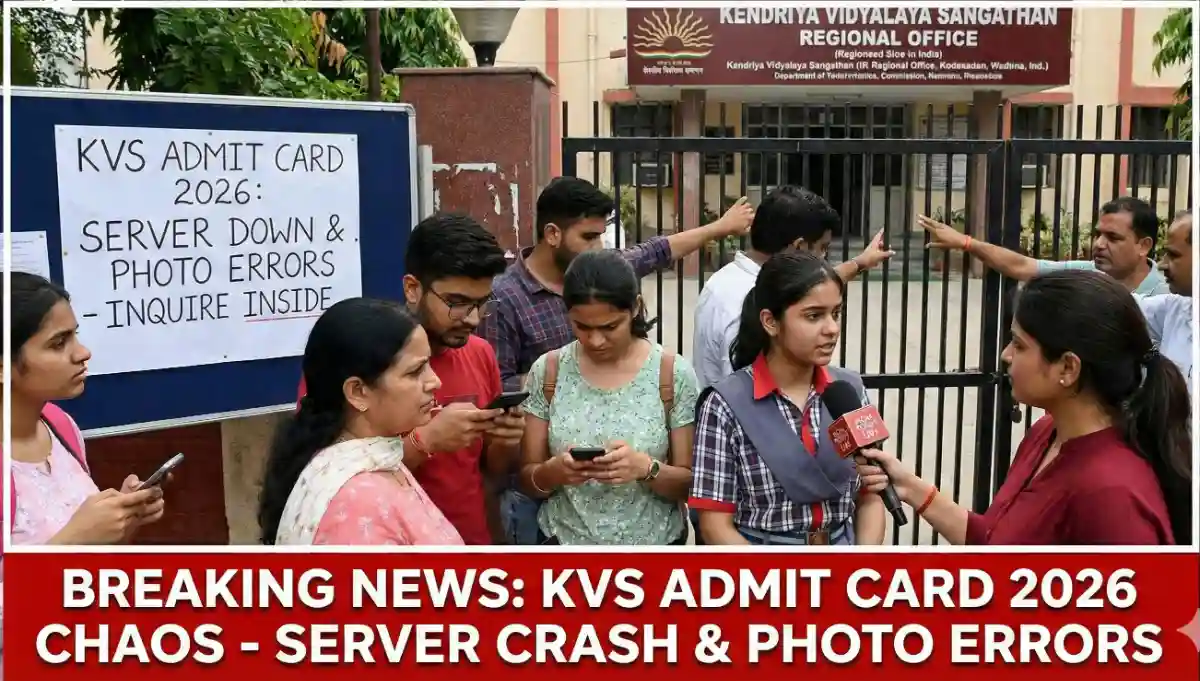
On the last day of the admit card release, lakhs of candidates try to download simultaneously, causing the following:
- Website crashes (e.g., “Server Error 503”).
- Slow loading speeds (taking hours to download).
- Session timeouts (getting logged out repeatedly).
Solution:
- Try downloading during off-peak hours (early morning or late night).
- Use a different browser (Chrome, Firefox, or Edge) if one doesn’t work.
- Clear cache and cookies before attempting to download.
Example:
During the IBPS Clerk 2021 admit card release, the official website crashed for 6 hours due to high traffic, causing panic among candidates.
Common Mistakes to Avoid While Downloading Govt Exam Admit Cards: Not Having a Backup Plan for Technical Issues
If the official website is down, candidates often panic and don’t know what to do next. Common issues include:
- No internet connection (especially in rural areas).
- Browser compatibility issues (some sites work only on specific browsers).
- Ad-blockers or VPNs are blocking access.
Solution:
- Keep a list of alternative websites (some exams have regional portals).
- Use mobile data as a backup (if Wi-Fi is slow).
- Disable ad-blockers/VPNs before accessing the site.
Example:
A candidate in Bihar couldn’t download his BPSC admit card due to poor internet. He had to travel 50 km to a cyber café to get it printed.
Common Mistakes to Avoid While Downloading Govt Exam Admit Cards: Not Verifying Admit Card Details Thoroughly
Even if you successfully download the admit card, not verifying the details can lead to disqualification on exam day. Many candidates assume everything is correct and realise mistakes too late.
Overlooking Personal Information Errors
Common mistakes in personal details include:
- Spelling errors in name (e.g., “Rahul” vs. “Rahul Kumar”).
- Incorrect date vs birth (DD/MM vs MM/DD format).
- Wrong gender or category (e.g., “General” instead of “OBC”).
Solution:
- Cross-check with your application form (ensure all details match).
- Contact the exam authority immediately if you find errors.
- Carry supporting documents (e.g., Aadhar card, passport) to prove identity.
Example:
In the UPSC CDS 2022 exam, a candidate was denied entry because his admit card had a misspelling in the surname (“Sharma” instead of “Sharam”).
Ignoring Exam Centre and Reporting Time
Many candidates don’t check their exam centre until the last minute, leading to the following:
- Long travel distances (some centres are in remote locations).
- Confusion about reporting time (missing the entry cutoff).
- Not knowing the exact centres (some centers have multiple buildings).
Solution:
- Locate the exam centre on Google Maps (check for nearby landmarks).
- Visit the centre a day before (if possible) to avoid last-minute delays.
- Plan your travel route (consider traffic, public transport, or parking).
Example:
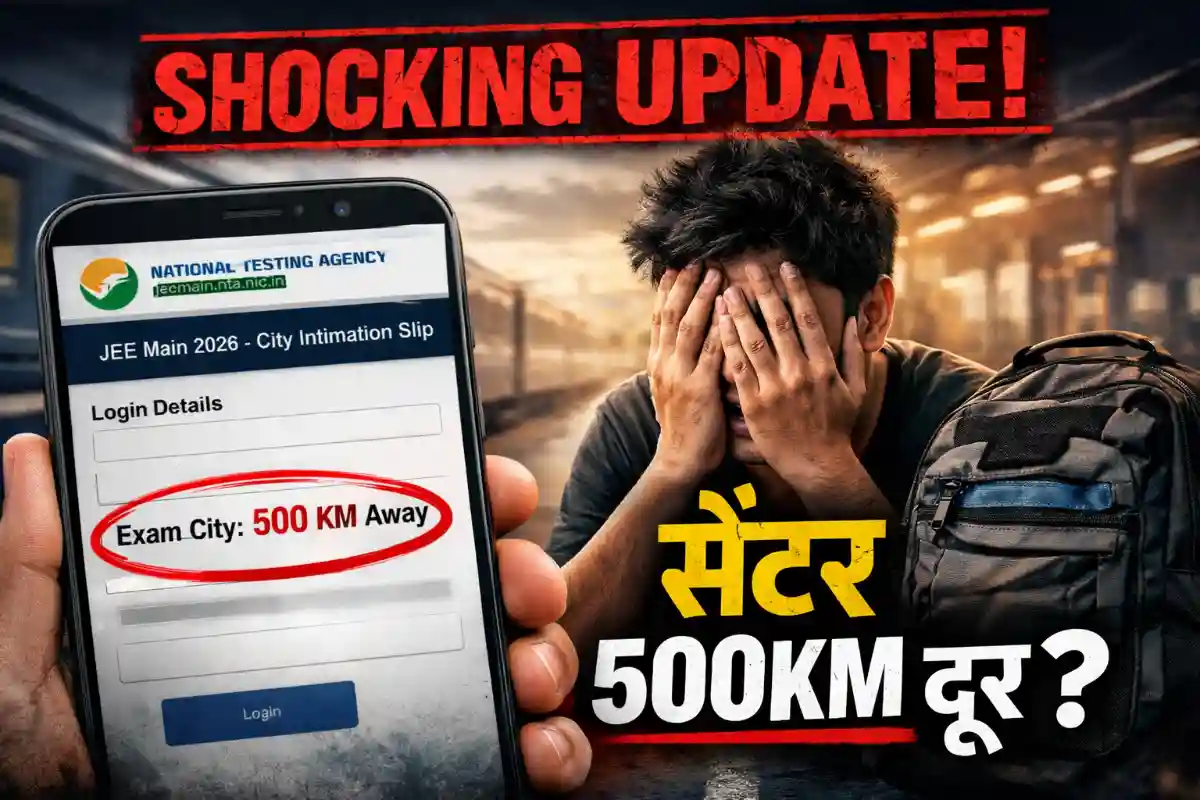
A candidate in Delhi was allotted a centre in Gurgaon (50 km away) but didn’t check until the exam day, missing the test due to traffic.
Not Checking for Photo/Signature Discrepancies
Some admit cards have the following:
- Blurry or missing photos.
- Incorrect signatures (e.g., a different handwriting style).
- No photo at all (due to upload errors).
Solution:
- Ensure your photo is clear and recent (as per exam guidelines).
- Carry extra passport-sized photos (in case of discrepancies).
- Contact the exam authority if the photo/signature is missing.
Example:
In the RRB Group D 2022 exam, many candidates were sent back because their admit cards lacked a photo, even though they had uploaded it correctly.
Common Mistakes to Avoid While Downloading Govt Exam Admit Cards: Failing to Follow Post-Download Instructions
Downloading the admit card is not the final step. Many candidates ignore post-download instructions, leading to issues on exam day.
Not Printing the Admit Card in the Required Format
Some eColourspecify:
- Colour or black-and-white print (e.g., colour requires colour.
- A4-sized paper only (some candidates use smaller sheets).
- No digital copies allowed (must be a physical printout).
Solution:
- Read the printing instructions carefully.
- Use a high-quality printer (to avoid smudges or faded text).
- Print at least 2 copies (one for backup).
Example:
In the SSC CGL 2023 exam, candidates with black-and-white prints were not allowed entry because the exam authority required colour copies.
Not Carrying Required Documents Along with the Admit Card
Most exams require additional documents, such as:
- Photo ID proof (Aadhaar card, PAN card, passport).
- Passport-sized photos (matching the admit card).
- Caste/disability certificate (if applicable).
Solution:
- Make a checklist of required documents.
- Keep them in a transparent folder (for easy verification).
- Carry the original and photocopies (some centres ask for both).
Example:
In the IBPS PO 2022 exam, a candidate was disqualified because he forgot his Aadhaar card and only had a photocopy.
Common Mistakes to Avoid While Downloading Govt Exam Admit Cards: Not Preserving the Admit Card for Future Stages
Some exams (such as UPSC, SSC, or IBPS) have multiple stages (prelims, mains, and an interview). Many candidates discard the admit card after the first stage, only to realise they need it later.
Solution:
- Save the admit card until the final result is out.
- Take a digital backup (scan and email it to yourself).
- Check if the same admit card is valid for all stages (some exams issue new ones).
Example:
A candidate who cleared SSC CGL Tier 1 lost his admit card and couldn’t appear for Tier 2 because he didn’t have it.
Final Thoughts
Downloading a government exam ticket may seem like a simple task, but even small mistakes can cost you the exam. By avoiding these five common errors, you can ensure a smooth and stress-free experience on exam day.
Key Takeaways:
✅ Always check the official website (don’t rely on third-party sources).
✅ Double-check login credentials (registration number, password, exam details).
✅ Download the admit card early (avoid last-minute server issues).
✅ Verify all details (name, photo, exam centre, and reporting time).
✅ Follow post-download instructions (printing format, required documents).
By following these step-by-step tips, you’ll be well-prepared and can focus on what truly matters—acing your exam!





4 thoughts on “Common Mistakes to Avoid While Downloading Govt Exam Admit Cards”