
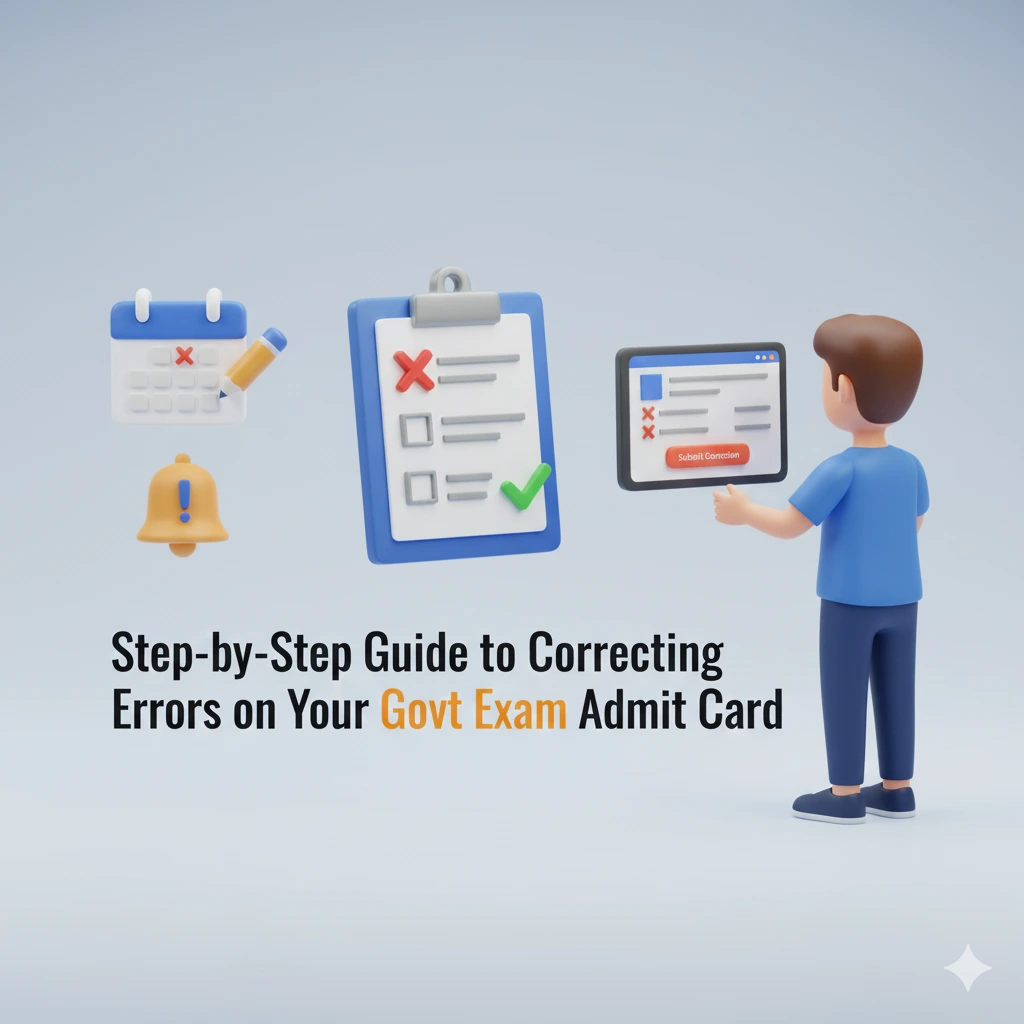
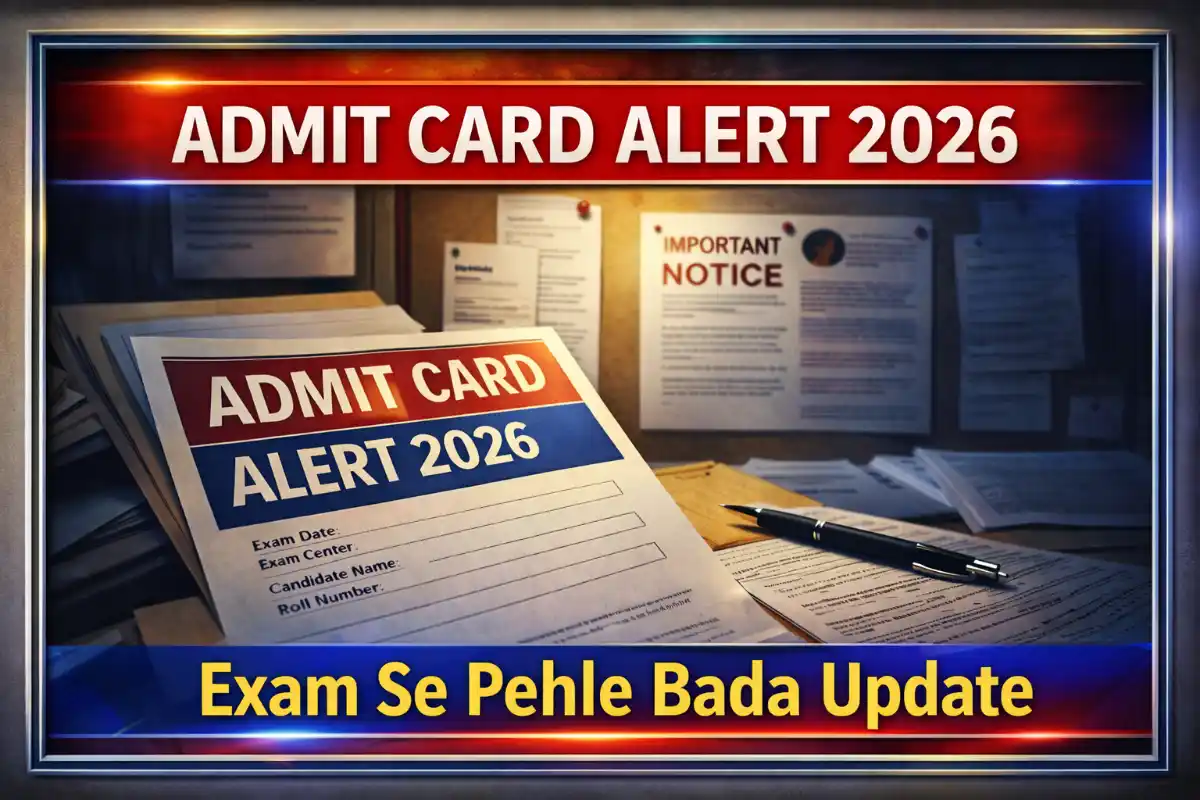
Taking a government exam is a major achievement in your career, and your admit card is one of the most critical documents you’ll need on exam day. However, errors on admit cards—such as misspelt names, incorrect dates of birth, or mismatched photographs—can cause unnecessary stress and even disqualification if not addressed promptly.
This step-by-step guide will walk you through identifying, reporting, and correcting errors on your admit card for the government exam. Whether you’re preparing for a banking exam, SSC, UPSC, railway recruitment, or any other competitive test, this guide will help you navigate the correction process smoothly.
Understanding Common Govt Exam Admit Card Errors
Before you can correct an error, you need to recognise what constitutes a mistake on your admit card. Some errors are minor, while others can jeopardise your exam eligibility. Here’s what to look for:
Quick Navigation
- 1 Govt Exam Admit Card: Types of Errors You Might Encounter
- 2 Govt Exam Admit Car:d When to Check for Errors
- 3 Step-by-Step Process to Report Govt Exam Admit Card Errors
- 4 Step 2: Contact the Govt Exam Admit Card Conducting Authority
- 5 Step 3: Follow Up Until Resolution Govt Exam Admit Card
- 6 Download the Govt Exam Admit Card Early
Govt Exam Admit Card: Types of Errors You Might Encounter
Admit card errors typically fall into three categories:
1. Personal Information Errors
– Name misspellings (e.g., “Rahul Sharma” vs. “Rahul Sharam”)
– Incorrect date of birth (e.g., “15/08/1995” vs. “15/08/1990”)
– Gender mismatch (e.g., “Male” instead of “Female”)
– Father’s/Mother’s name errors (e.g., “Suresh Kumar” vs. “Suraj Kumar”)
2. Exam-Related Errors
– Wrong exam date/time (e.g., “10:00 AM” instead of “2:00 PM”)
– Incorrect exam centre (e.g., “Delhi” instead of “Mumbai”)
– Mismatched roll number or registration ID
– Wrong exam shift (e.g., “Shift 1” instead of “Shift 2”)
3. Photograph & Signature Issues
– Blurry or unclear photograph
– Signature mismatch (e.g., your signature looks different from the one uploaded)
– Missing photograph or signature
Example: If your admit card shows “Amit Patel” instead of “Amit Patel,” it’s a minor spelling error, but if it shows “Amit Shah,” it’s a major discrepancy that needs immediate correction.
Why These Errors Matter
Even small mistakes can lead to:
- Rejection at the exam centre (if details don’t match your ID proof).
- Disqualification from the exam (if the error is severe, like a wrong exam date).
- Delays in result processing (if your name or roll number is incorrect).
Pro Tip: Always cross-check your admit card with your application form and ID proof (Aadhaar, PAN, passport) to spot discrepancies early.
Govt Exam Admit Car:d When to Check for Errors
- As soon as the admit card is released (most exam boards give a 3-7 day window for corrections).
- Before downloading the final version (some boards allow edits before the final admit card is generated).
- At least 10 days before the exam (to allow time for corrections).
Step-by-Step Process to Report Govt Exam Admit Card Errors
Once you’ve identified an error, the next step is to report it to the exam-conducting authority. The process varies slightly by exam, but the general steps remain the same.
Step 1: Gather Required Documents
- A copy of your admit card (with the error highlighted).
- Your application form (to verify the correct details).
- ID proof (Aadhaar, PAN, passport, voter ID—whichever you used during registration).
- Passport-sized photograph (if the error is related to the photo).
- Any previous correspondence (emails, SMS, or acknowledgement receipts from the exam board).
Example: If your name is misspelt, you’ll need to show your Aadhaar card (which has the correct spelling) as proof.
Step 2: Contact the Govt Exam Admit Card Conducting Authority
Most government exam boards provide multiple channels for corrections:
1. Official Helpline Number
– Call the exam board’s helpline (e.g., SSC, IBPS, RRB, UPSC).
– Example: SSC Helpline – 011-24363343, 24360120
– Tip: Call during working hours (10 AM – 5 PM) for fasteresolutionio
2. Email Support
– Send a detailed email to the official support ID (e.g., ssc-cr@nic.in for SSC exams).
– Subject Line: “Correction Request for [Exam Name] Admit Card – [Your Registration Number]”
– Body: Mention:
– Your name, registration number, and exam name.
– The error(s) found (with screenshots if possible).
– The correct details (as per your ID proof).
– Attachments: Scanned copies of your admit card, ID proof, and application form.
3. Online Grievance Portal
– Some exam boards (like UPSC, IBPS, RRB) have a dedicated grievance portal.
– Example: UPSC’s Grievance Redressal System ([https://upsconline.nic.in](https://upsconline.nic.in))
– Steps:
1. Log in with your registration ID.
2. Select “Admit Card Correction” as the issue.
3. Upload supporting documents.
4. Submit and note the complaint ID for follow-up.
Pro Tip: If you don’t receive a response within 2-3 days, follow up via phone or email with your complaint ID.
Step 3: Follow Up Until Resolution Govt Exam Admit Card
- Check your email/spam folder daily for updates.
- Call the helpline again if no response is received within 48 hours.
- Visit the regional office (if the exam is conducted by a state board like TNPSC, KPSC, UPPSC).
- Keep records of all communications (emails, call logs, complaint IDs).
Example: If you emailed IBPS about a wrong exam centre, they may respond with a corrected admit card link within 3-5 working days.
Correcting Different Types of Govt Exam Admit Card Errors
Not all errors are corrected the same way. Here’s how to handle specific types of mistakes based on their severity.
Correcting Personal Details (Name, DOB, Gender)
Steps to Follow:
- 1) Fill out a correction form (if available on the official website).
- 2) Submit a handwritten application (some boards require this).
Format: – Submit in person (if required) at the regional office.
Example: If your date of birth is wrong, you may need to submit a birth certificate as proof.
Fixing Govt Exam Admit Card-Related Errors (Date, Centre, Shift)
Steps to Follow:
- Check if the error is due to a last-minute change (some boards update exam centres 2-3 days before the exam).
- If it’s a genuine mistake:
- Email the board with a screenshot of the admit card and application form.
- Request a corrected admit card before the exam date. – If the exam centre is too far:
- Some boards (like RRB) allow centre change requests in extreme cases (e.g., medical emergencies).
- Submit a written request with proof (e.g., doctor’s certificate).
Example: If your IBPS Clerk exam centre is in Kolkata but you applied for Delhi, you must email IBPS immediately with your application form as proof.
Resolving Photograph & Signature Issues in Govt Exam Admit Card
Steps to Follow:
1. If the photo is missing/blurry:
- Email the board with a new passport-sized photo (as per their specifications).
- Some boards (like SSC) allow online photo uploads via their portal.
2. If the signature is mismatched:
- Sign on a blank piece of paper and scan it (ensure it matches your ID proof).
- Submit it via email with a correction request.
3. If the photo is of someone else:
- This is a serious error—contact the board immediately via phone and email.
- You may need to visit the regional office with ID proof.
Pro Tip: Always carry 2-3 passport-sized photos to the Govt Exam Admit Card centre in case of last-minute issues.
What to Do If the Correction Isn’t Processed in Time for the Govt Exam Admit Card
Sometimes, despite your best efforts, the exam board may not process corrections before the exam. Here’s what to do:
Visit the excentreter with proof.
- Carry all original documents (Aadhaar, PAN, application form, and correction request email).
- Explain the issue to the invigilator—some centres allow entry if the error is minor (e.g., spelling mistake).
- Get a written acknowledgement from the exam centre in case of future disputes.
Example: If your name is misspelt but matches the name on your Aadhaar card, the invigilator may allow you to take the exam.
Escalate the Issue to Higher Authorities
If the Govt Exam Admit Card centre refuses entry:
- Call the exam board’s helpline from the centre.
- Email the regional director (find contact details on the official website)
- File a complaint on the National Grievance Redressal Portal ([https://pgportal.gov.in](https://pgportal.gov.in)).
Example: If RRB doesn’t correct your exam shift error, escalate it to the RRB Chairman’s office via email.
Legal Recourse (Last Resort)
If all else fails:
- Consult a lawyer specializing in education/exam laws.
- File a writ petition in the High Court (if the error is due to the board’s negligence).
- Demand a re-exam (if the error caused you to miss the exam).
Note: Legal action should be a last resort—most issues are resolved via grievance portals.
Preventing Admit Card Errors in the Future
The best way to avoid admit card issues is to prevent them from happening in the first place. Here’s how:
Double-Check Before Submitting the Application
- Fill the form carefully—use block letters for names.
- Verify all details (name, DOB, category, exam centre) before final submission.
- Save a copy of the application form for future reference.
Example: If you’re applying for UPSC CSE, cross-check your name, father’s name, and address with your Aadhaar card.
Download the Govt Exam Admit Card Early
- Download the admit card as soon as it’s released (don’t wait until the last day).
- Check for errors immediately and report them within the correction window.
- Print multiple copies in case one gets damaged.
Keep All Documents Ready for Verification
- Carry 2-3 ID proofs (Aadhaar, PAN, passport, voter ID).
- Keep a copy of your application form on your phone or in your email.
- Save all communication (emails, SMS, and acknowledgement receipts) from the exam board.
Pro Tip: Use Google Drive/Dropbox to store scanned copies of all important documents for quick access.




2 thoughts on “Step-by-Step Guide to Correcting Errors on Your Govt Exam Admit Card 2026”